
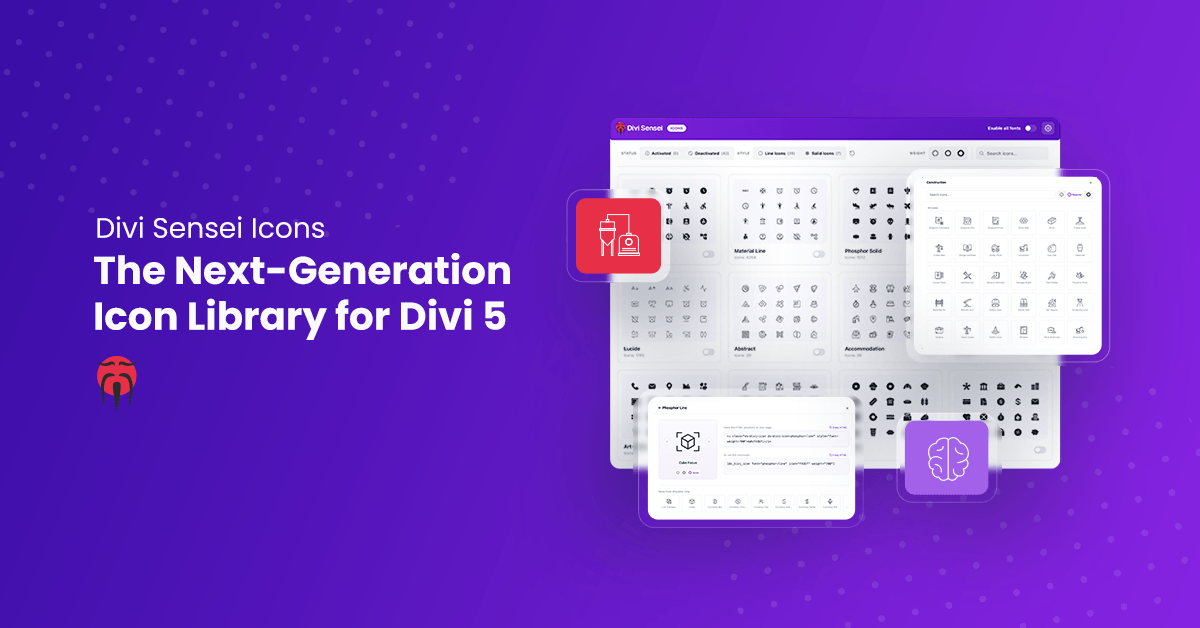
Icons are one of the fastest ways to make a website feel finished. A well-placed icon guides the eye, breaks up walls of text, communicates meaning in a fraction of a second, and gives a layout the polish that separates a professional page from a template. Divi Sensei Icons brings that power to Divi 5 — a modern, purpose-built icon library that goes far beyond anything the builder ships with out of the box.
Divi 5 is a huge leap forward, but its native icon library is still limited to a small, generic set. If you have ever hunted for the right icon for a bakery menu, an accountant’s service list, or a cleaning company’s feature grid and come up empty, you already know the frustration. Divi Sensei Icons was built to end that frustration for good — thousands of professionally designed icons, organized into intuitive sets, and integrated so deeply into Divi 5 that they simply work everywhere.
Introducing the next-generation icon plugin for Divi 5
Divi Sensei Icons is a complete icon solution designed from the ground up for the new Divi 5 architecture. It plugs directly into Divi’s native icon picker, so every icon you add is available exactly where you already expect to find one — no new workflow to learn, no awkward shortcodes, no new modules, no compromises.
Great iconography is not decoration; it is communication. Icons help visitors scan a page, understand your services at a glance, and navigate with confidence. They reduce cognitive load, reinforce your brand, and make calls-to-action impossible to miss. The problem has always been availability: Divi’s built-in set is small and generic, forcing designers to settle for “close enough.” Divi Sensei Icons removes that ceiling entirely.
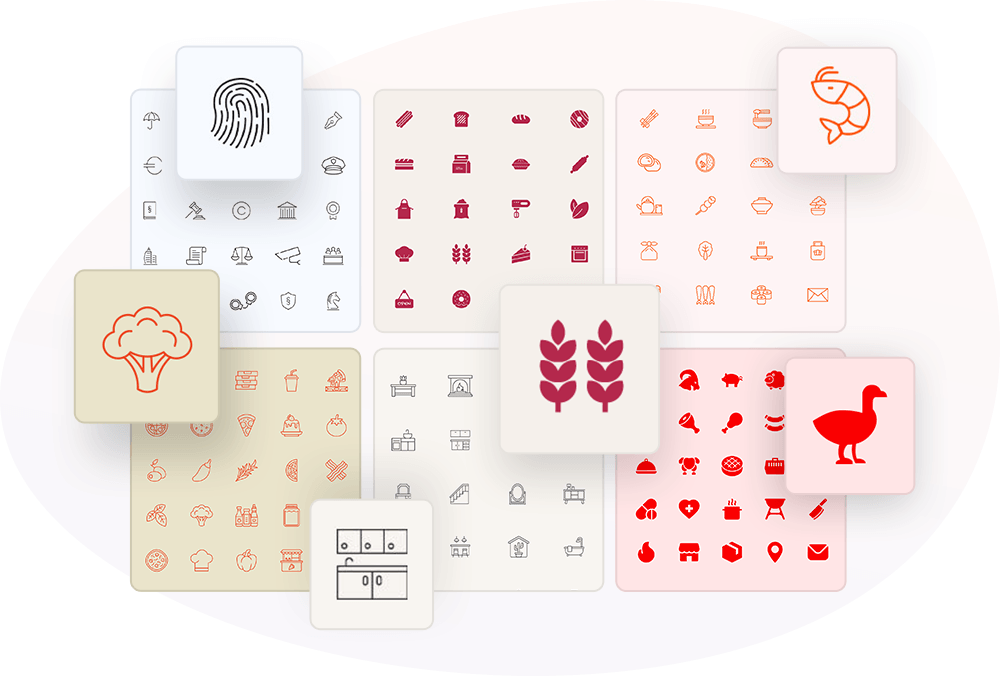
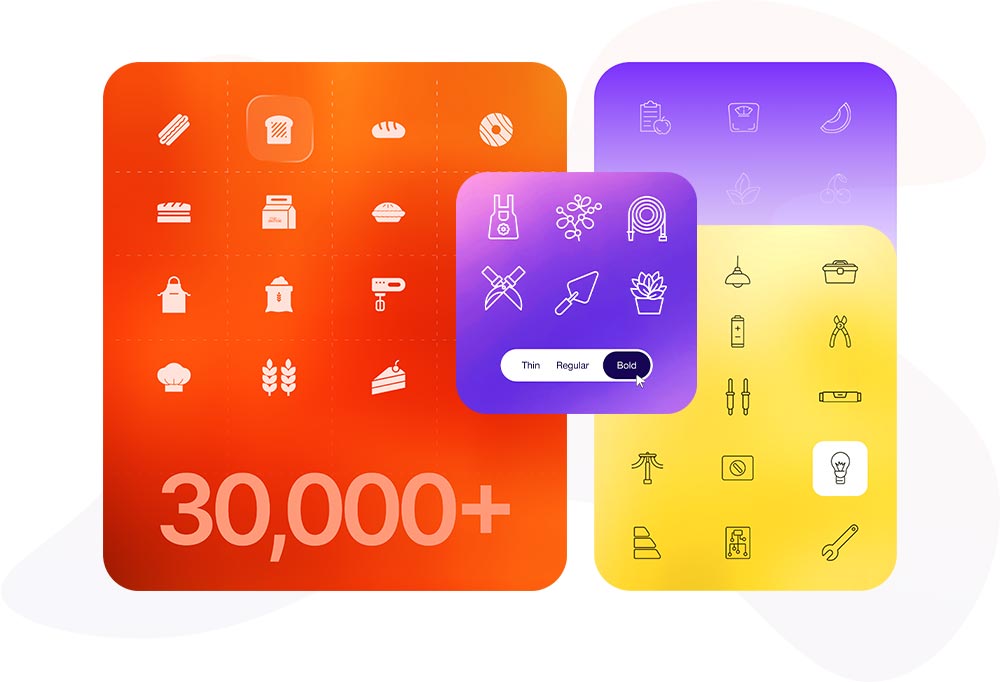
14,000+ unique icons — and 30,000+ with weight variations
This is where Divi Sensei Icons stands in a class of its own. The plugin ships with over 14,000 unique icons, and because every line-style icon comes in three widths — thin, regular, and bold — that adds up to a staggering 30,000+ icons at your fingertips.
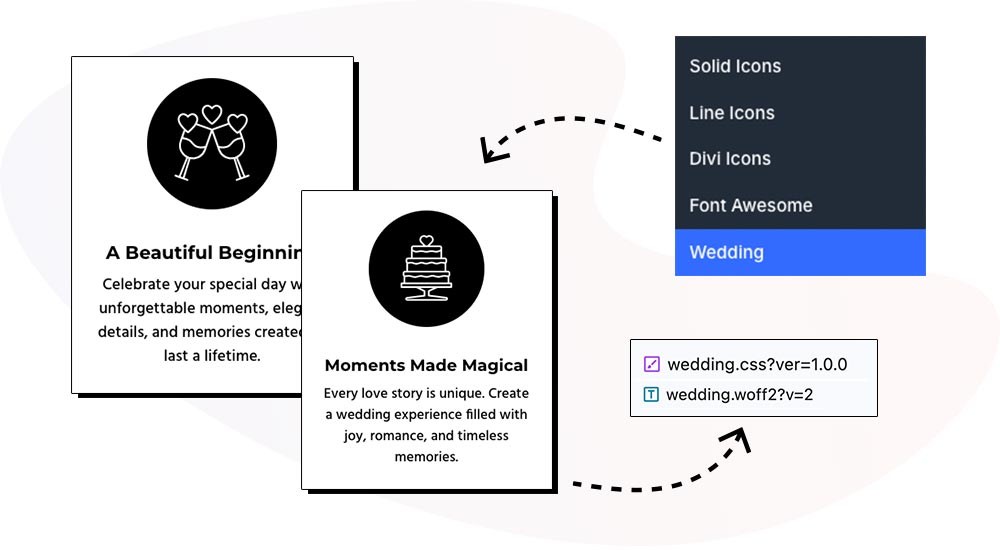
But the real differentiator isn’t just the number. It’s the 37+ custom icon sets you won’t find anywhere else: dedicated, business-specific collections for accountants, banking, bakeries, cafés, bistros, breweries, butchers, cleaning services, construction, electricians, handymen, medical practices, law firms, weddings, photographers, interior design, florists, wineries, pizzerias, sushi bars, veterinary clinics, nutritionists, education, and many, many more. These aren’t repackaged public icon fonts — they are purpose-drawn sets designed to match real-world industries, each available in three consistent stroke weights.
This makes Divi Sensei Icons the first plugin for Divi 5 to offer this breadth of custom iconography. Competing plugins simply bundle the same free icon fonts anyone can already download — and stop there. Divi Sensei Icons includes the popular libraries too — Material, Phosphor, and Lucide — but adds an entire universe of custom, three-weight line icons on top. With a library this deep, you will never be stuck without the perfect icon again.
An intuitive, modern dashboard for managing your icons
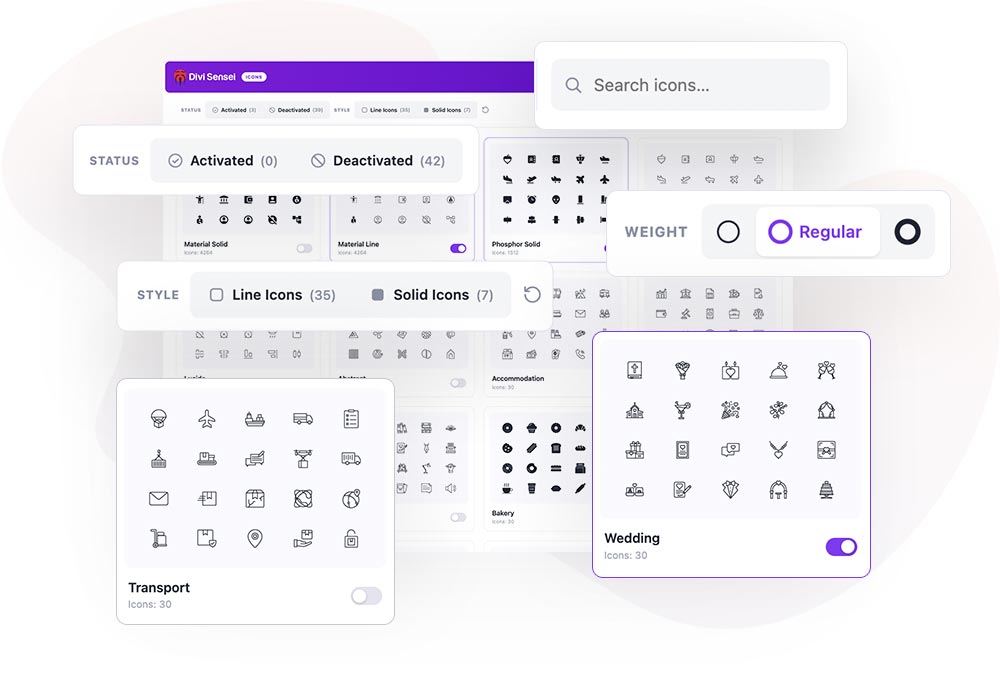
A library this large only helps if it’s easy to navigate — so Divi Sensei Icons ships with a clean, modern management dashboard built for exactly that. From a single screen you can:
- Search the entire library instantly by name.
- Filter icons by style and category to zero in on what you need.
- Set the line width globally — choose thin, regular, or bold once, and it applies across every line icon in your designs.
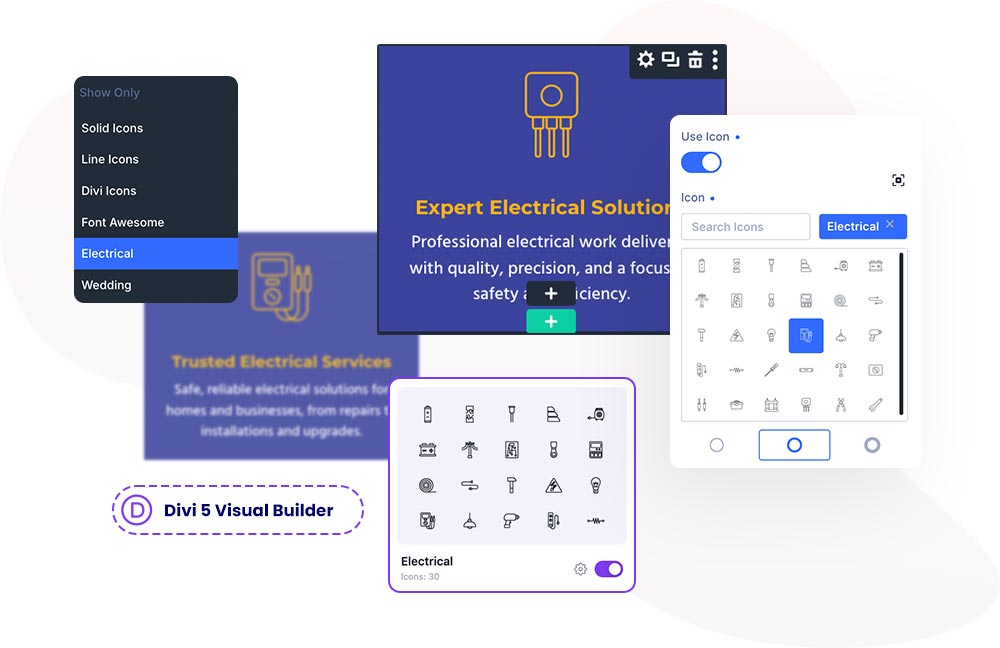
- Enable or disable individual icon sets, so you load only the collections you actually use.
That last point matters for more than tidiness: only enabled icon sets are loaded into the Visual Builder, keeping your editing environment fast and focused instead of cluttered with thousands of icons you’ll never touch.
Asynchronous, load-on-demand performance
Adding thousands of icons to a site sounds like it should slow things down — but Divi Sensei Icons is engineered so it doesn’t. Built on the modern Divi 5 architecture, the plugin loads icons on demand, and on the front-end only the icons you actually use are ever loaded.
That means you get the full 30,000-icon library to design with, without dragging thousands of unused glyphs onto every page. There’s no heavy font file penalty, no measurable hit to page-load times, and no reason to hold back. Design freely — the performance takes care of itself.
Perfectly integrated with the Divi 5 Visual Builder
This is the advantage that ties everything together. Divi Sensei Icons is integrated directly into the Visual Builder’s native icon system, which means every custom icon is available in every module — Blurbs, Buttons, Accordions, toggles, and more — including third-party modules, with no special setup and no exceptions.
Contrast that with the alternative: competing plugins bolt on a single new icon modules and make their custom icons available only inside that one module. Step into a native Divi module — or any third-party module — and those icons vanish. Divi Sensei Icons has no such walls. If a module has an icon picker, your entire custom library is right there, everywhere, all the time.
Celebrate the launch — 20% off everything
To mark the release of Divi Sensei Icons, we’re taking 20% off sitewide — and it’s not just the icons. The discount applies to every Divi Sensei module, all annual memberships, and lifetime licenses. Whether you’re grabbing Divi Sensei Icons on its own or going all-in on the full toolkit, now is the moment.
Use code DS20 at checkout to take 20% off your entire order.
This is a launch offer, so it won’t stick around long. Add 14,000+ icons — and everything else Divi Sensei makes — to your Divi 5 workflow at the best price we offer.
Summary
Divi Sensei Icons is the icon library Divi 5 has been missing. It builds right on top of Divi’s existing icons, adding 14,000+ more — over 30,000 counting thin, regular, and bold weights — including custom, business-specific line collections you can’t get anywhere else. Every icon lands in the same native icon picker you already use, alongside Divi’s own. A modern dashboard makes that huge library effortless to search, filter, weight, and manage, while on-demand loading keeps pages fast by shipping only the icons you actually use. And because it’s built natively into the Divi 5 Visual Builder, every icon works in every module — native and third-party alike — not locked inside a single proprietary block.
Where other plugins simply re-bundle the free icon fonts everyone already has and confine them to one module, Divi Sensei Icons delivers a genuinely custom, purpose-built, deeply integrated icon experience. For anyone serious about designing with Divi 5, it’s not just an upgrade — it’s the new baseline.







0 Comments